Who eats free at your website?
A plain-language guide for small businesses on AI crawlers — what Cloudflare's block-or-charge defaults do, and the settings footgun that hides you from Google.
Here’s a number that reframes the whole question. In mid-2026, Cloudflare’s own traffic data shows automated requests crossed half of all web traffic — roughly 57.5% bots to 42.5% humans. Of the AI crawler requests specifically, the lion’s share were for training, and only about 9% for search.
So the question every small-business owner is quietly asking — should I block AI from my site? — is the wrong one. The better question is the one a restaurant owner would ask: who’s eating, and do any of them tip? Some of the guests at your table pay. Some bring paying friends. And some taste every dish and never leave a dime. Telling them apart is the whole game now.
A correction we owe ourselves
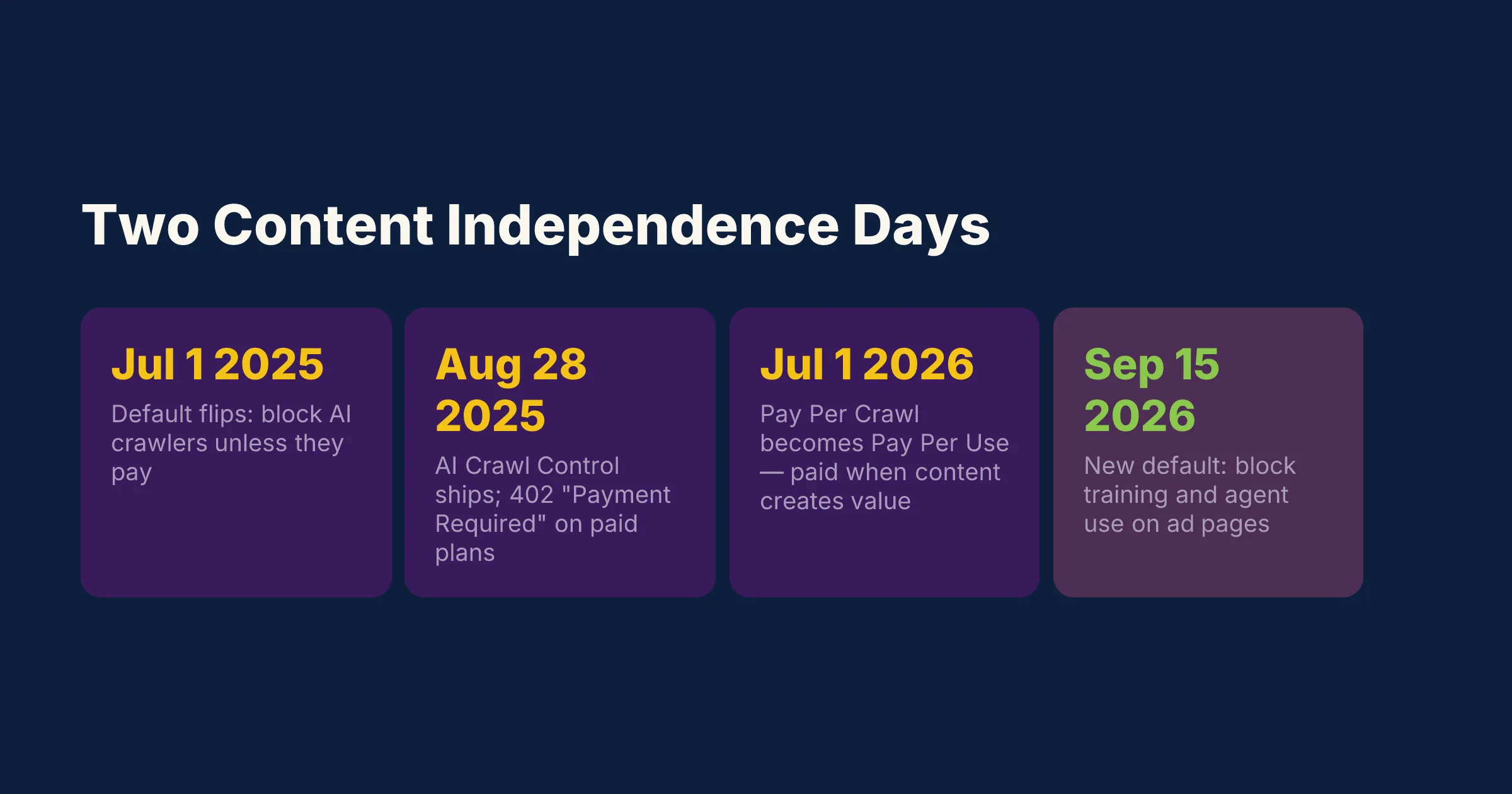
First, a date. We’ve caught ourselves — and half the internet — saying “the AI-crawler thing happened this summer.” It didn’t. Cloudflare declared the first “Content Independence Day” on July 1, 2025, and that’s when the network default flipped to block AI crawlers unless the AI company pays creators. This July 1, in 2026, was the second one. The 2026 news isn’t a new block; it’s Cloudflare evolving “Pay Per Crawl” into “Pay Per Use” — the idea that publishers get paid when their content actually creates value in an AI answer, not merely when a bot fetches it.
We’re a studio that fixes our own bugs in public (ask us about the OG-card signed-integer one). Same rule here: get the timeline right, because the dates decide what you should do this week.
Three mouths at the table
Cloudflare now sorts every crawler into three buckets, and you set the rules for each in your dashboard’s security settings:
- Search — bots that collect and index your pages for search results. These are the waiters. Block them and you starve; nobody finds the restaurant.
- Agent — automated behavior acting in real time on a person’s behalf. Someone asks an assistant “book me a table near the park,” and the agent reads your site to answer. New, growing, and increasingly the customer.
- Training — bots taking your content to fatten a model. They taste everything and may never send a soul your way.
For each bucket, per crawler, you get three choices: Allow, Charge, or Block. “Charge” is the interesting one — instead of a hard door, you return an HTTP 402 “Payment Required” response that can carry your licensing terms. Cloudflare made that customizable 402 available on every paid plan, not just the Pay Per Crawl beta.
The footgun that hides you from Google
Before you go switch-flipping, here’s the single most important thing in this post — the mistake that turns “I’ll just block the AI stuff” into “why did our traffic die?”
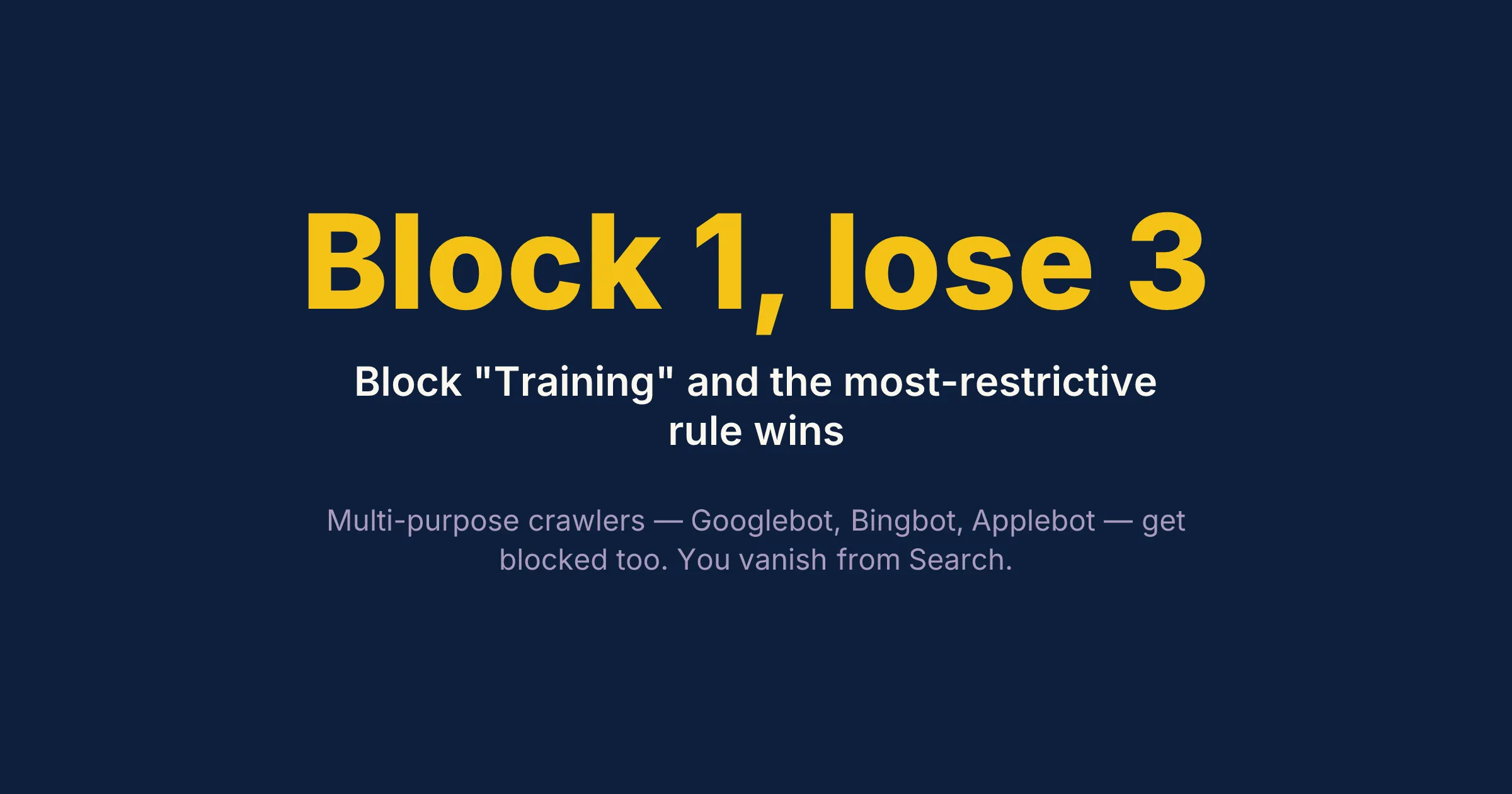
Cloudflare enforces the most restrictive applicable rule. Plenty of crawlers are multi-purpose — Googlebot, Bingbot, and Applebot all crawl for search but also feed AI features. If you tell Cloudflare to block Training, that most-restrictive rule sweeps those multi-purpose bots up with it. Block Training, and you can block Googlebot too — which means you fall out of Google Search entirely.
That’s the trap. The owner who wanted to “keep AI from stealing our content” quietly unpublishes themselves from the one channel still sending real humans. If you take nothing else from this: don’t blanket-block Training if you depend on Google, and check exactly which bots your rule touches before you save it.
What actually changed, and what lands in September
The tool for all this is AI Crawl Control, which went generally available on August 28, 2025 (it used to be called “AI Audit”). It’s where you see who’s crawling and set Allow / Charge / Block per bot.
One date is worth putting on your calendar: September 15, 2026. On that day the defaults change for new Cloudflare customers, new sites added by existing customers, and every existing free customer who hasn’t touched their settings. The new default allows Search but blocks Training and Agent use on pages that carry ads — and “mixed” crawlers that won’t let you separate search from training get blocked on ad pages entirely. If you run ads and you’re on the free tier, that default will apply to you unless you’ve made a deliberate choice first.
Is the free tasting actually costing you?
Here’s the anxiety underneath all of this: if an AI answers the question, the person never visits, and you get nothing.
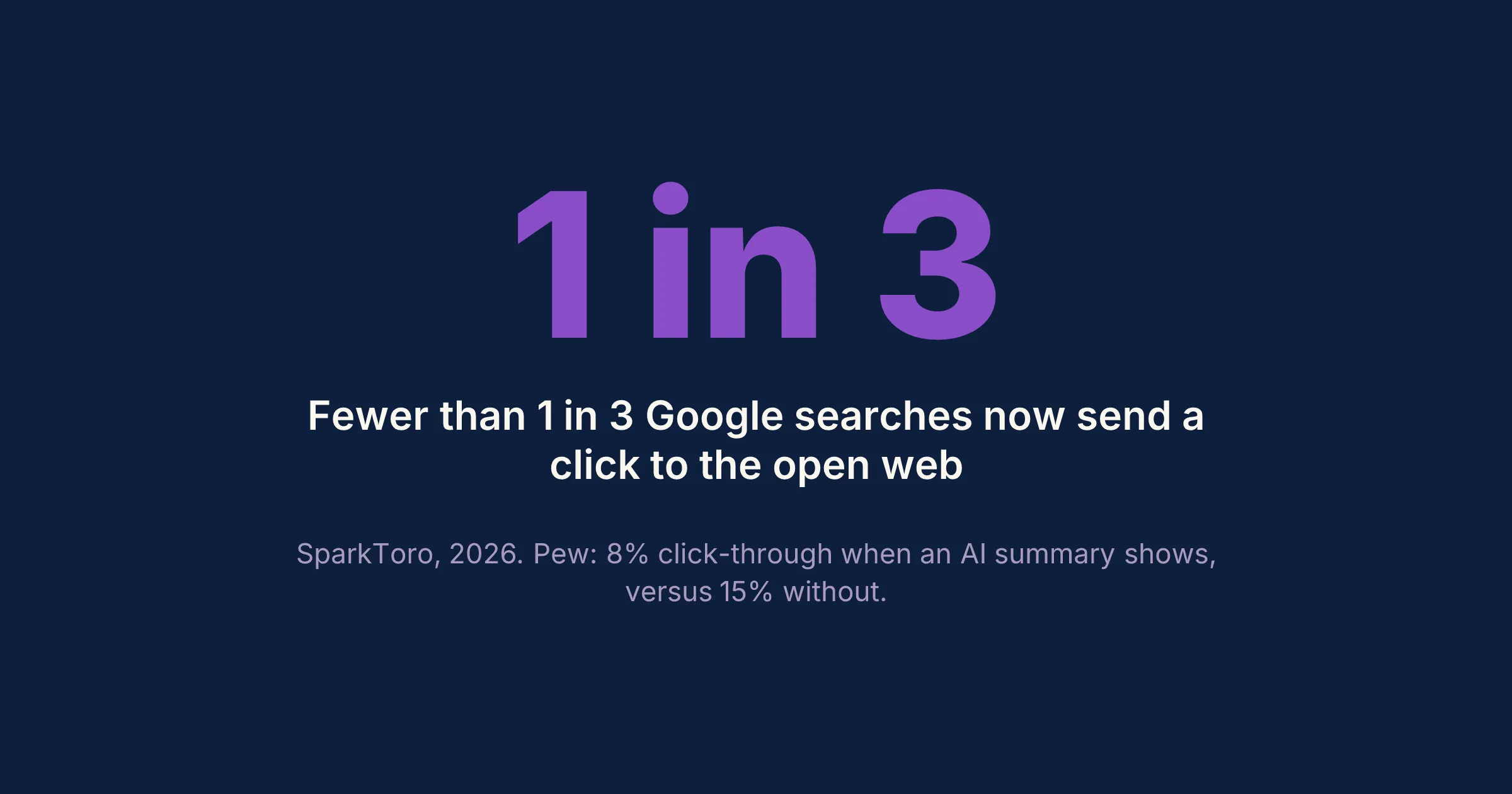
The data backs the worry, with caveats. SparkToro’s 2026 analysis finds fewer than one in three Google searches now sends a click to the open web. Pew Research, tracking real browsing behavior, found people clicked a traditional result on 8% of visits when an AI summary appeared, versus 15% when it didn’t — and clicked a link inside the summary about 1% of the time. Google disputes how that’s framed, and the exact figures vary by study, so treat the precise percentages as directional. The direction, though, isn’t in doubt: the click is drying up.
The small mercy is you can now measure it. On June 3, 2026, Google added generative-AI performance reports to Search Console, showing how often your links appeared inside AI Overviews and AI Mode. The catch: at launch it reports impressions only — no clicks — and it’s rolling out in stages, so not every account has it yet. Still, for the first time you can see that you’re being tasted even when you’re not being visited.
The other side of the ledger
Now the part the “block everything” crowd skips. The AI guests that do send someone your way tend to send good ones.
Aggregated Adobe Analytics data tells a striking story: AI-referred visitors went from converting 49% worse than everyone else in January 2025 to 31% better by the 2025 holiday season. One 2026 benchmark clocks per-visitor conversion from ChatGPT, Perplexity, and Claude referrals well above ordinary Google organic traffic. The volume is still small — this is a trickle, not a flood — but it’s a high-quality trickle. Someone who arrives after an AI recommended you is pre-sold.
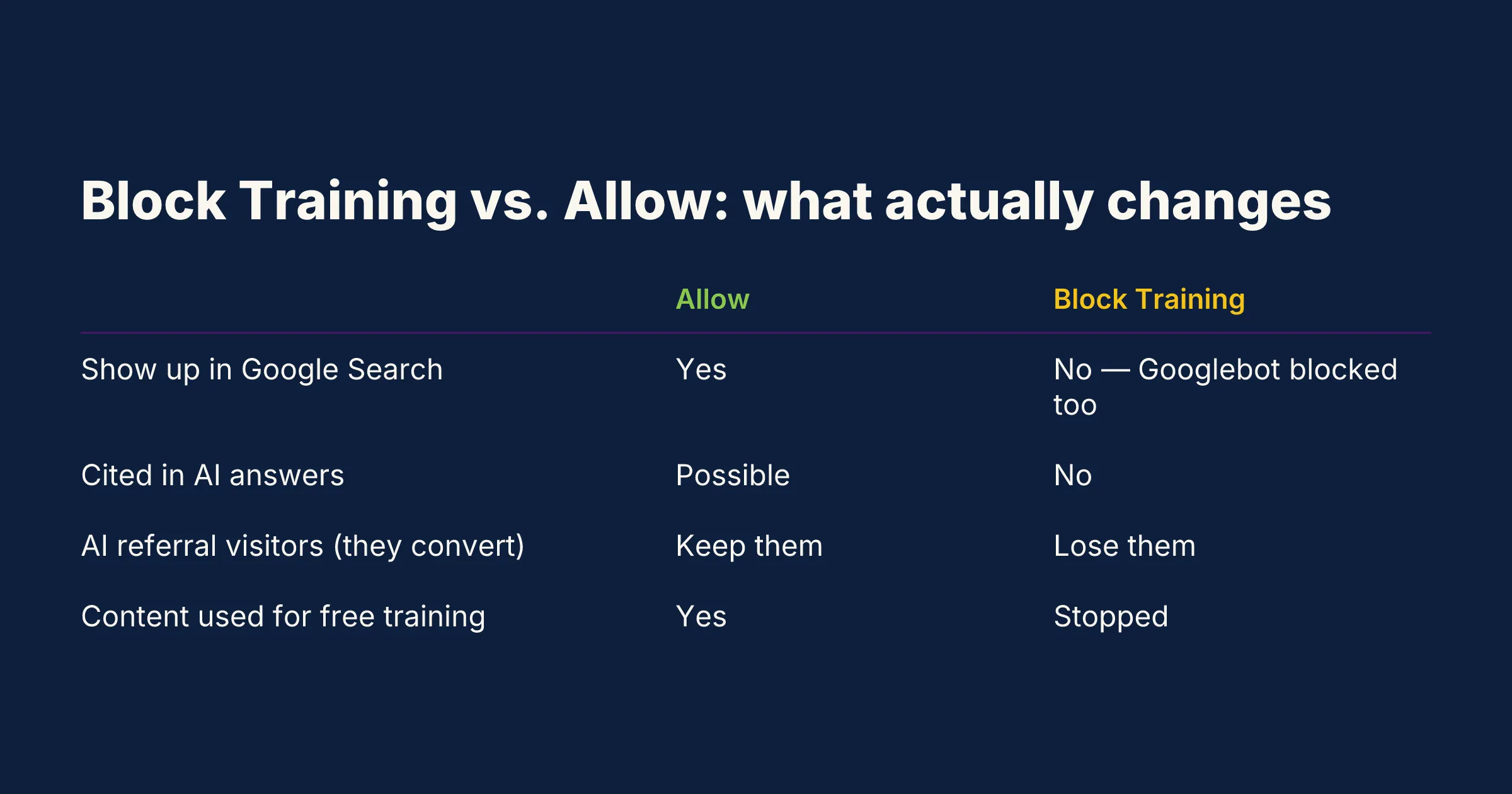
So blocking a bot that sends converting referrals is self-harm dressed up as principle. The honest default for most small businesses — no ads, no premium paywalled content — is allow, and compete to be the site AI cites. Save the blocking for content you genuinely sell.
The snake oil to skip
Because there’s money in anxiety, you’re going to get pitched. Someone will sell you an “llms.txt package” or a separate monthly “GEO” (generative engine optimization) retainer, distinct from your SEO.
Google’s own May 2026 guidance is blunt about this: optimizing for AI Overviews and AI Mode is still SEO. Those features run on Google’s core ranking and quality systems; there is no separate discipline to buy. Google also states plainly that llms.txt files do nothing for Google Search — they neither help nor harm, because Google ignores them. So if a vendor’s pitch leans on llms.txt or a bolt-on “AI optimization” fee, keep your wallet closed. The work that makes you visible to AI is the work that always mattered: fast pages, clean structure, clear content, honest schema markup.
What we’d actually do
If a client asked us this week, here’s the whole checklist:
- Look before you switch. Open AI Crawl Control and just watch for a bit. See who’s actually crawling you before touching a single toggle.
- Don’t blanket-block Training if you need Google. The most-restrictive-rule footgun will quietly pull Googlebot down with it.
- If you have no ads and nothing paywalled, allow — and compete to be cited. Blocking your best-converting referrers to spite the free tasters is a bad trade.
- Reserve Charge / 402 for genuinely valuable original content. Recipes, proprietary data, deep guides. The Pay Per Use path is real now, but it’s early — worth watching, not yet a money printer.
- Turn on the Search Console generative-AI report. Measure the invisible tasting so you’re deciding on data, not vibes.
- Ignore the llms.txt and standalone-GEO pitches. It’s still SEO. Make the site fast, clean, and well-marked-up.
The simple version
Half your traffic is robots now. Some are waiters who bring you customers, some are customers themselves, and some just eat for free. Cloudflare finally gave you a knob to tell them apart — but the knob has a sharp edge, and the most common way to hurt yourself is to yank it hard and accidentally lock the front door. For most small businesses the right move isn’t to build a wall. It’s to keep the kitchen fast and clean, let the guests who tip keep coming, and charge only for the dishes worth charging for.
If you want a hand reading your own AI Crawl Control dashboard before September 15, that’s a short conversation — the contact form is the fastest way to start it.
— The Geek Cat